
Course Overview
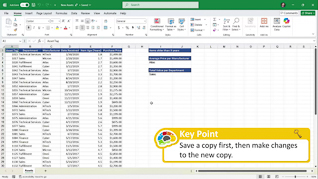
Microsoft Excel is a powerful tool for analyzing data. This training explores the basics of Microsoft Excel 365 editing.
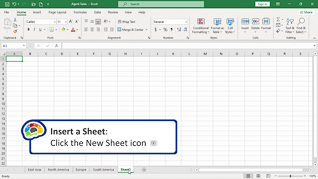
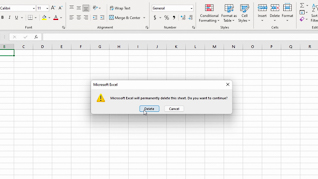
Viewers learn about the basics of editing in Microsoft Excel 365. This training demonstrates how to modify rows and columns. This training shows learners how to manage files and folders.
Microsoft Excel 365 helps users to have better access to necessary data. Use this course to educate employees about Microsoft Excel 365 editing.

Key Audience
New users of Excel 365
Course Topics
Introduction
Open And Save A Workbook
Modifying Rows And Columns, Part 1
Modifying Rows And Columns, Part 2
Managing Worksheets, Part 1
Managing Worksheets, Part 2
Course Detail
Course ID
bbrnmeba1_vod
Time
34-37 MIN
Questions
3
Languages
en
video format
HD
captions
No
Resources
Yes
Lessons
6
Remediation
Yes
Bookmarking
Yes
Feedback
No
Microlearning
No