
Course Overview
Advanced level Microsoft Excel 365 features and functions are more easily learned and readily applied when the user learns the function in a real-time context. This is especially true when it comes to mastering advanced level data manipulation.
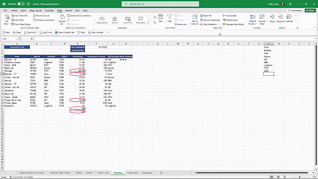
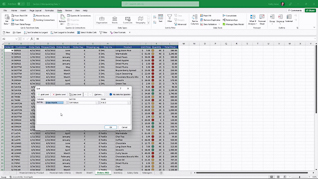
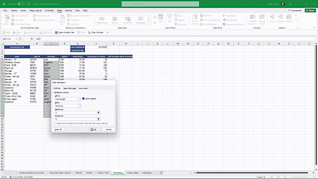
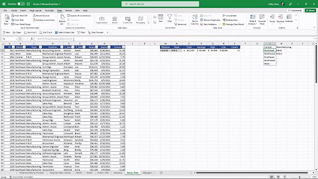
Showing multiple examples of each of the six featured data manipulation functions – Advanced Filtering; Advanced Sorting; Data Validation; Data Validation Lists; Data Validation Messages And Invalid Data; Combo Boxes – this course assures learners understand how, when, and why elevating their data manipulation skills elevates the accuracy of their business information.
Use this course so Excel users understand and fully utilize Excel 365 Data Manipulation functions.
Key Audience
Organizational employees at all levels who need to elevate their Excel 365 Data Manipulation skills
Course Topics
Advanced Filtering
Advanced Sorting
Data Validation
Data Validation Lists
Data Validation Messages And Invalid Data
Combo Boxes
Course Detail
Course ID
bbrnmead3_vod
Time
41-43 MIN
Questions
2
Languages
en
video format
HD
captions
No
Resources
Yes
Lessons
6
Remediation
Yes
Bookmarking
Yes
Feedback
No
Microlearning
No