
Course Overview
At some point, advanced level Excel 365 users recognize the value of being able to consolidate data from multiple sources. This course demonstrates the functions and features of data consolidation and subtotals that enable them to do so.
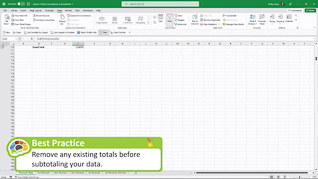
With best practice and key point pop-up screens, this course’s format shows Excel users when and how to access and apply each feature and function and then summarizes the steps and clarifies their value. Upon completing the three topics in this course – Subtotal Function; Subtotal Feature; Data Consolidation – learners will confidently be able to summarize data from separate ranges and consolidate the results into a single location.
Present this course so users become proficient with Excel 365 data consolidation and subtotals.

Key Audience
Organizational employees at all levels who recognize the need to elevate their Excel 365 capabilities
Course Topics
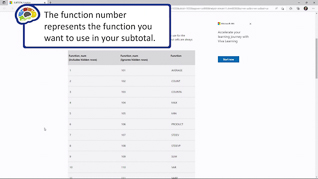
Subtotal Function
Subtotal Feature
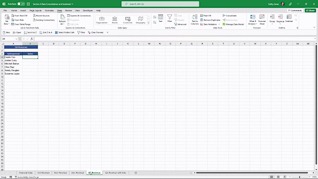
Data Consolidation
Course Detail
Course ID
bbrnmead4_vod
Time
20-22 MIN
Questions
2
Languages
en
video format
HD
captions
No
Resources
Yes
Lessons
3
Remediation
Yes
Bookmarking
Yes
Feedback
No
Microlearning
No