
Course Overview
Data is only as good as its organization and usefulness. This training explores advanced PivotTables and macros in Microsoft Excel 365.
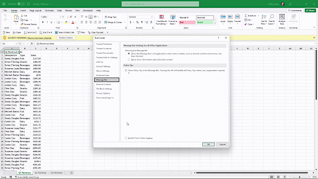
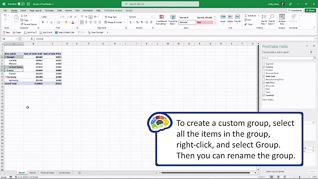
This course explores how to adjust formatting and grouping in Excel 365. Viewers learn how to work with report filters to manage tables. This training discusses how to use macros in Excel.
PivotTables and macros are powerful features in Excel 365. Use this course to educate employees about advanced PivotTables and macros in Microsoft Excel 365.

Key Audience
Excel 365 users
Course Topics
Manage PivotTables
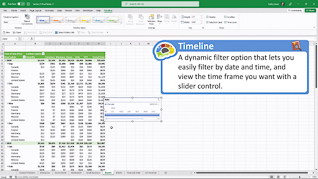
Report Filter, Slicers, And Timelines
Run A Macro
Course Detail
Course ID
bbrnmead5_vod
Time
23-25 MIN
Questions
2
Languages
en
video format
HD
captions
No
Resources
Yes
Lessons
3
Remediation
Yes
Bookmarking
Yes
Feedback
No
Microlearning
No