
Course Overview
Excel remains one of the most widely used workplace tools, with hundreds of millions of users relying on it for reporting, tracking, and decision making every day. This course focuses on the formatting skills that make spreadsheets easier to read and more effective to use.
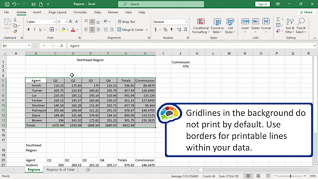
This course shows learners how to align cell contents, add borders and shading, apply number and data formatting, use Format Painter, and apply cell styles and themes consistently.
The focus of this training is practical: make spreadsheets look polished, improve readability, and communicate information more clearly.


Key Audience
The course is intended for anyone who wants to create cleaner, more professional spreadsheets in Excel 365.
Course Topics
Aligning Cell Contents
Adding Borders And Shading
Applying Number And Data Formatting
Using Format Painter
Applying Cell Styles And Themes
Course Detail
Course ID
bbrnmeba3_vod
Time
40-43 MIN
Questions
3
Languages
en
video format
HD
captions
No
Resources
Yes
Lessons
5
Remediation
Yes
Bookmarking
Yes
Feedback
No
Microlearning
No