
Course Overview
Microsoft Excel is a powerful tool in the office workplace, but only if you know how to use it. This video training educates new users about Microsoft Excel 365 to help them get started.
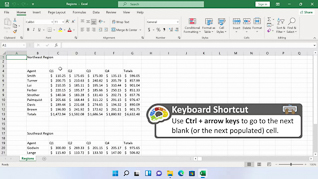
Viewers learn about the basics of Microsoft Excel 365. This video explores how to navigate the interface of Microsoft Excel 365. This training displays how to use commands in Excel 365.
Microsoft Excel 365 helps users to work with data. Use this course to educate employees about Microsoft Excel 365.


Key Audience
Anyone who is getting started with Excel 365
Course Topics
Introduction
Navigating Excel
Using Commands
Selecting Data
Course Detail
Course ID
bbrnmebe1_vod
Time
26-28 MIN
Questions
2
Languages
en
video format
HD
captions
No
Resources
Yes
Lessons
4
Remediation
Yes
Bookmarking
Yes
Feedback
No
Microlearning
No