
Course Overview
This online training introduces Office 365 users to formulas and functions in Microsoft Excel. Users taking this course learn how to perform calculations, automate common tasks, and improve spreadsheet accuracy using Excel’s built-in tools.
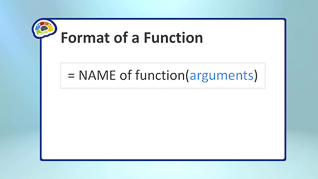
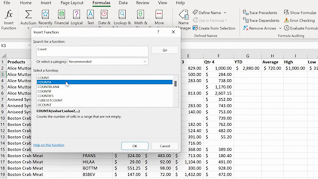
Throughout the course, learners will see how to create basic formulas to calculate values and work with spreadsheet data more efficiently. The training also explains how to insert and use common Excel functions like Sum, Average, Count Numbers, Max, and Min. In addition, employees learn how to copy formulas and functions to quickly apply calculations across multiple cells and worksheets while maintaining consistency and accuracy.
By the end of the course, learners will have a better understanding of Excel’s formula and function capabilities and how to use them to create accurate, efficient, and professional spreadsheets.


Key Audience
Microsoft Excel 365 users
Course Topics
Creating Formulas
Inserting Functions
Copying Formulas And Functions
Course Detail
Course ID
bbrnmebe3_vod
Time
26-28 MIN
Questions
2
Languages
en
video format
HD
captions
No
Resources
Yes
Lessons
3
Remediation
Yes
Bookmarking
Yes
Feedback
No
Microlearning
No