
Course Overview
Users at this level in this Mastering Excel 365 series know basic Excel 365 Functions, but, as they discover in this course, they become even more powerful when they are combined.
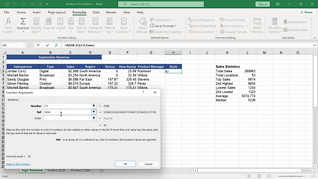
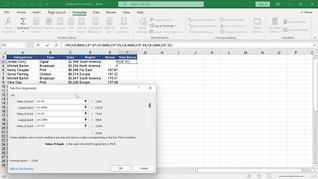
By demonstrating the features and purposes of nested functions, this course begins by teaching users how to create the foundation for accessing and utilizing functions contained inside another function. Equipped with practice files, users work alongside the “Learner” in this course through three detailed examples – assigning employee bonuses, applying a discount, and calculating the average of the top quarter sales. The course then shows users the salient features and benefits of accessing and using Logical Functions and Statistical Functions in real-world applications.
Present this course so users continue to acquire more sophisticated Excel 365 Functions skills.


Key Audience
Organizational employees at all levels who need to elevate their Excel 365 Functions skills
Course Topics
Nested Functions
Logical Functions
Statistical Functions
Course Detail
Course ID
bbrnmein4_vod
Time
23-25 MIN
Questions
2
Languages
en
video format
HD
captions
No
Resources
Yes
Lessons
3
Remediation
Yes
Bookmarking
Yes
Feedback
No
Microlearning
No