
Course Overview
Excel remains one of the most important business analysis tools, with more than one billion users worldwide relying on it for reporting and decision making (Microsoft). This course teaches you how to organize and analyze data more efficiently using tables and PivotTables.
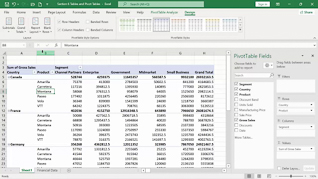
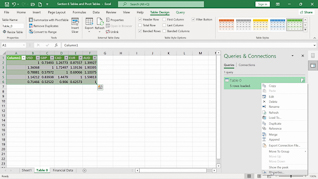
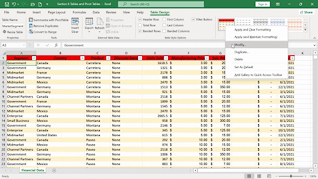
You will learn how to create tables, apply table styles, summarize data, manage PivotTables, and import data using web queries.
The focus of this Microsoft Excel 365 training is practical: spend less time organizing data and more time uncovering the insights that matter.

Key Audience
The course is intended for anyone who works with large datasets in Excel 365.
Course Topics
Creating Tables
Table Styles
Summarizing Data In Tables
Managing Pivot Tables
Web Queries
Course Detail
Course ID
bbrnmein6_vod
Time
26-29 MIN
Questions
3
Languages
en
video format
HD
captions
No
Resources
Yes
Lessons
5
Remediation
Yes
Bookmarking
Yes
Feedback
No
Microlearning
No