
Course Overview
Excel documents are useful tools in the workplace. This training explores sharing documents in Microsoft Excel 365.
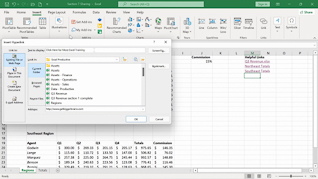
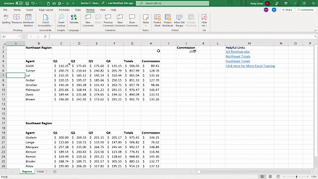
This course shows users how to add hyperlinks to workbooks. Viewers learn how to connect worksheets to internal and external information. This training discusses using comments and notes within documents.
Document sharing is a powerful option supported by Microsoft Excel 365. Use this training to educate employees about sharing documents in Microsoft Excel 365.

Key Audience
All employees who use Excel 365
Course Topics
Hyperlinks
Share A Workbook
Comments And Notes
Course Detail
Course ID
bbrnmein7_vod
Time
19-22 MIN
Questions
3
Languages
en
video format
HD
captions
No
Resources
Yes
Lessons
3
Remediation
Yes
Bookmarking
Yes
Feedback
No
Microlearning
No