
Course Overview
Excel 365 offers a variety of ways to look at data. This training explores data analysis in Microsoft Excel 365.
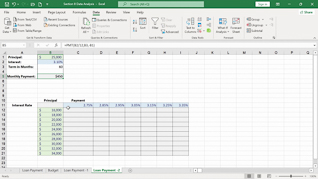
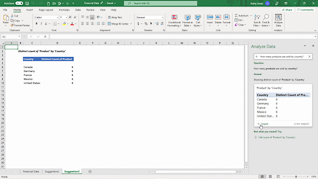
This training explores what-if analysis. Viewers learn how to use forecasting with data tables. This training also demonstrates how to use the analyze data tool.
Knowing the tools in Microsoft Excel 365 allows users to better manage data. Use this intermediate training to educate employees about data analysis in Excel 365.


Key Audience
All employees who use Excel 365
Course Topics
Goal Seek
Forecasting With Data Tables
Analyze Data Tool
Course Detail
Course ID
bbrnmein8_vod
Time
15-17 MIN
Questions
2
Languages
en
video format
HD
captions
No
Resources
Yes
Lessons
3
Remediation
Yes
Bookmarking
Yes
Feedback
No
Microlearning
No